Across travel routes worldwide, a Standard Bank Credit Card gives flexible spending, layered security, and rewards that remain practical for everyday purchases.
Fast digital onboarding through the Standard Bank Banking App speeds up pre-approval, while branch and phone channels help applicants who prefer assisted service.



As of 2025, contact numbers and card benefits below reflect current bank pages and pricing guides, which should be checked again when applying or traveling.
What A Standard Bank Credit Card Is And Why It Helps
A Standard Bank Credit Card provides a revolving limit for in-store, online, and international purchases, subject to affordability and account standing.
Paying the full statement balance by the due date unlocks up to 55 days of interest-free credit on qualifying purchase transactions, which excludes cash advances.
Strong everyday security includes chip and PIN, contactless payments, and app-level controls that let you enable or disable online, ATM, or till-point usage whenever needed. UCount Rewards links to eligible cards so points accrue automatically on qualifying spend and can be redeemed at partners such as fuel retailers and major stores.
How To Order Your Standard Bank Credit Card
Getting the card should match personal preference for self-service or assisted channels.
- Application routes include the app, internet banking, the contact centre, or a scheduled branch visit.
- Prepare government ID, proof of address, and income and expense figures that reflect actual affordability. Pre-approval in digital channels helps estimate qualifying limits quickly, then final verification confirms the offer.
- In The Banking App Or Online
- Sign in to the Standard Bank Banking App or Internet Banking, navigate to Credit Cards, then follow the prompts that request income and expense details.
- Digital flows show product options and present a pre-approved range when possible, after which supporting documents can be uploaded to complete screening.
This route keeps timelines short and adds immediate self-service controls once the account appears in the app.
Over The Phone
Call the contact centre if guided assistance is preferred, then complete affordability questions and document checks as advised.
Agents can also explain card tier differences, fees, and delivery timelines, then submit the application on your behalf. Use the general enquiries line listed in the support table below to start the process.
In A Branch
Book a branch appointment and bring ID and address documents to finish in person. Staff can complete the application, confirm eligibility for specific tiers, and help set up digital banking so the account is visible in the app immediately after activation.
Branch staff also assist applicants who need help comparing card options or setting initial limits.
How To Manage Your Card In The App
Effective management happens inside the Standard Bank Banking App, which consolidates card controls, payments, statements, and security features.
Enable or disable online, ATM, and till-point usage, and update daily limits for safer travel or e-commerce.
Scheduled payments prevent late fees and keep the interest-free window intact when the full balance is paid each month. Limit increases can be requested inside the app when a higher ceiling becomes necessary for large purchases or travel.
Activate Or Deactivate Card Features
Open the card tile, select Manage, then toggle online, ATM, or in-store settings according to current needs.
Temporary deactivation restricts usage while a card is misplaced, then reactivation restores normal transactions after recovery or replacement. These settings add control without calling support lines for routine changes.
Set Up Payments And Alerts
Create a scheduled payment that covers the full closing balance each cycle, which protects the 55-day interest-free period for eligible purchases.
Statement and payment alerts help track spend and avoid accidental carry-over interest when travel or irregular billing periods shift due dates. App statements also support budgeting by category and merchant.
Request A Credit Card Limit Increase
Open the app, select the credit card, tap Apply on the Credit Limit Increase tile, then personalise the offer to the amount that fits monthly cash flow.
Supporting information may be required when the requested ceiling rises meaningfully, particularly in the first six months after account opening. Approval updates reflect immediately once processed.
Control ATM And Daily Limits
Adjust daily ATM withdrawal and purchase limits in the app or through help-centre steps, which is useful when traveling or when overspending risk needs capping.
Set conservative limits during typical weeks, then raise temporarily for planned high-ticket spending or international trips. Revert to normal thresholds after the event
Fees, Interest, And The 55-Day Interest-Free Period
Interest on purchase transactions is avoided when the full statement balance is paid by the due date, giving up to 55 days interest free depending on transaction timing within the cycle.
Minimum payments are usually set at three percent of balance, however paying only the minimum triggers interest on the remainder and lengthens payoff time.
Pricing guides also outline monthly card fees and cash advance charges, which differ by tier and year, so reviewing the latest posted guide protects budgets.
Smart Credit Management Tips That Save Money
Clear the full balance on or before the due date every cycle, since that preserves the interest-free window on eligible purchases.
- Set spending alerts and category budgets inside the app, then review statements monthly to catch irregular charges quickly.
- Avoid cash withdrawals on credit unless absolutely necessary, because cash transactions typically incur fees and immediate interest.
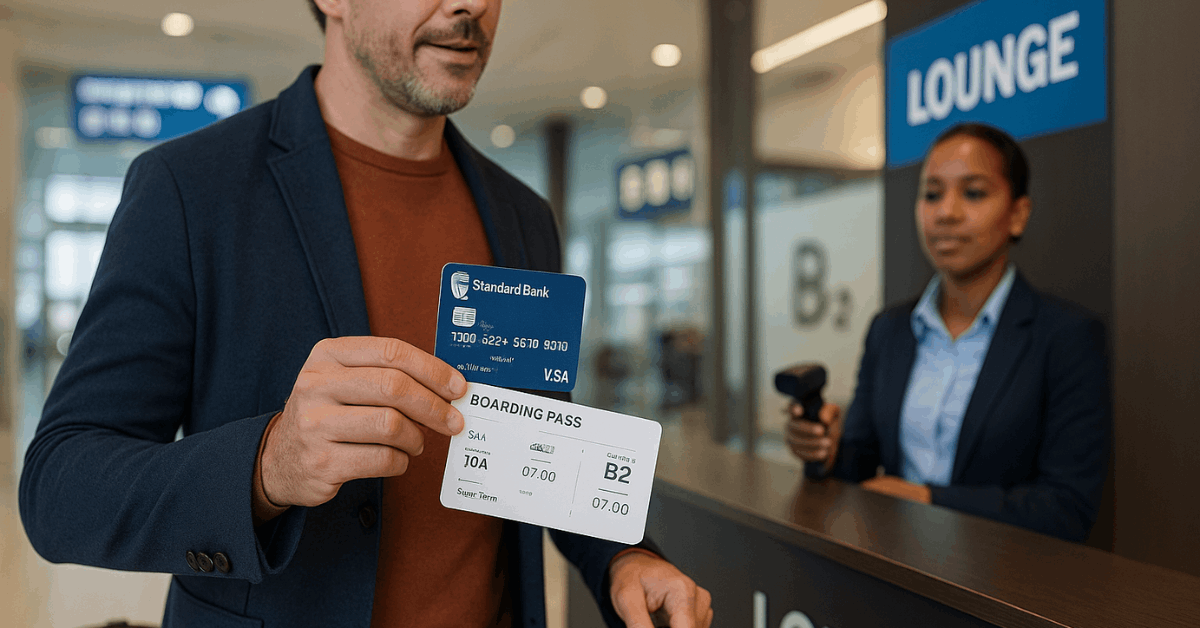
- Match card tier to lifestyle, since lounge access and travel insurance matter for frequent flyers but add little value otherwise.
Use UCount Rewards partners intentionally, then redeem points for fuel or groceries to reduce monthly expenses.
Security, Online Shopping, And 3D Secure
Security controls deserve active use because online fraud attempts continue to evolve. Standard Bank supports 3D Secure on card transactions and encourages virtual cards for safer e-commerce.
Immediate reporting of card loss or suspicious transactions helps the bank block further activity and begin investigations. Digital wallets like Apple Pay add tokenisation, which replaces card numbers during transactions for privacy and safety.
Protect Online Purchases With 3D Secure
Authenticate online transactions using 3D Secure to reduce the risk of card-not-present fraud, then complete one-time password or app authentication when prompted.
UCount Rewards channels also use 3D Secure during online redemptions, which keeps points safe during checkout on partner sites.

What To Do For Lost Or Stolen Cards
Call the lost or stolen cards line immediately to block the card and request a replacement, then monitor the account for case references and updates.
Use in-app controls to disable online and ATM functions while waiting for support to confirm blocks and reissue steps. Numbers valid in December 2025 are listed in the table below.
When To Use The Fraud Line South Africa
Contact the fraud line to report unauthorised transactions and to escalate suspected compromises, then save emails and SMS records that support the investigation.
Prompt reporting within the bank’s stated timeframes improves the chance of recovery and successful chargebacks. The bank publishes both local and international fraud contacts for travelers.
Rewards, Travel, and Value-Added Services
UCount Rewards credits points on qualifying spend across eligible cards automatically at month end, then points can be redeemed at partners including fuel stations, large retailers, and select travel portals.
Higher card tiers add travel perks such as airport lounge access, discounted car rental, and hotel offers, with entitlements varying by product and sometimes subject to monthly spend criteria.
As of 2025, Titanium includes a set number of domestic Bidvest Premier Lounge visits, Platinum lists additional Bidvest allowances, and World Citizen uses Mastercard Travel Pass for extensive lounge access when spend thresholds are met.
Contact Details and Support At A Glance
As of December 2025, numbers belowmatch the bank’s contact pages; verify the latest lines before international travel.
| Purpose | South Africa | International | Notes |
| Fraud line South Africa | 0800 222 050 | +27 10 824 2090 | Email: Reportfraud@standardbank.co.za |
| Lost or stolen cards | 0800 020 600 | +27 10 824 1514 | Available 24/7 for card blocking |
| General enquiries | 0860 123 000 | +27 10 824 1515 | Use for product and application queries |
| Digital wallets and app help | 0860 123 000 | +27 11 299 4701 | Apple Pay and wallet support available |
| Physical address | 5 Simmonds Street, Selby, Johannesburg, 2001 | — | Head office address as listed on bank pages |
Conclusion
In practice, Standard Bank Credit Cards work best when habits match fees, benefits, and reward rules. Paying the full statement balance on time preserves the 55 day interest free window.
Use app controls, 3D Secure, and virtual cards to reduce risk while traveling. Collect UCount Rewards intentionally at fuel and grocery partners, then redeem to lower monthly costs.
Since pricing and benefits change, confirm current contact numbers, fees, and lounge terms before applying or departing.
Last updated on May 18th, 2026 at 04:03 pm