Keeping track of fuel expenses can be challenging for fleets and small businesses. A 7-Eleven Fleet Card offers a focused solution to simplify fuel management and expense control.
Whether you're an owner-operator or manage a small fleet, this guide walks through the application steps, features, and practical tips for optimizing business fuel cards.


What Is a 7-Eleven Fleet Card?
The 7-Eleven Fleet Card is designed for business owners needing a centralized, trackable payment method for fuel and convenience purchases.
Issued in partnership with WEX Inc., the card works at most 7-Eleven and Speedway stores, along with WEX's larger national network.
Business Benefits of the 7-Eleven Fleet Card
For many businesses, a fleet card brings time savings, easier budgeting, and enhanced control over employee spending.
Centralized Expense Tracking
The WEX Online Account Portal lets business owners see every transaction instantly. All fueling, maintenance, and in-store purchases appear in real time.
This level of visibility helps reduce errors or misuse, which can be a risk with traditional credit cards or cash.
Discounts and Rebates
Depending on monthly fuel volume, some card programs offer rebates at participating 7-Eleven locations. Actual savings may vary by city or region.
It's worth checking recent terms on the official 7-Eleven Fleet website to confirm currently available offers.
Purchase Controls and Security
Businesses can set daily, weekly, or per-purchase limits on each card, giving administrators flexible control.
Customized PINs and purchase category restrictions help prevent unauthorized spending at the pump or in-store.
Eligibility Criteria for Fleet Card Applications
Applying for a fleet card is fairly straightforward, but a few requirements should be met first.
- Valid business license or EIN (Employer Identification Number).
- Proof of business address and contact information.
- The ability to provide details about your fleet size and fuel usage.
Most companies with at least one vehicle registered for business use are eligible. Home-based business owners may also apply if they have a verifiable business entity.
Step-by-Step Fleet Card Application Process
Applying for a fleet card starts with understanding the required information and eligibility criteria. Knowing each stage beforehand can help businesses prepare accurate details and navigate the application process more efficiently.
1. Gather Required Documentation
Before applying, ensure you have the following:
- Company legal name and address
- Federal tax ID or Social Security Number (for sole proprietors)
- Contact details for the authorized officer
- Fleet vehicle count, estimated monthly fuel spend
2. Access the Official Fleet Card Portal
The official 7-Eleven Fleet Card application is conducted online. Using the latest version of Chrome or Microsoft Edge can help speed up the form process.
3. Complete the Application Form
Following on-screen prompts, enter your business type, size, and vehicle details. The form will also ask for authorized user information and shipping address for new cards.
4. Financial Review & Credit Check
A soft or hard credit check is often necessary, depending on business credit. Most businesses can expect a decision in a few business days.
Applicants with limited credit history may be asked for additional verification or a personal guarantor.
5. Approval and Card Customization
Once approved, companies can choose the number of cards needed, assign PIN codes, and set spending rules for each card user.
The first batch of cards usually arrives within 7-10 business days, depending on shipping address.
How the Fleet Card Works at 7-Eleven and Partner Stations
A fleet card can turn routine fuel stops into more organized business spending.
Understanding how it works at participating 7-Eleven and partner stations can help businesses manage purchases, track expenses, and use available controls more effectively.
Accepted Locations and Network Coverage
7-Eleven Fleet Cards work at most 7-Eleven, Speedway, and WEX-partner stations nationwide.
- Major U.S. cities like Dallas, Atlanta, and Los Angeles have high acceptance rates.
- WEX's network includes thousands of additional gas stations and truck stops across urban and rural areas.
Using the Fleet Card at the Pump
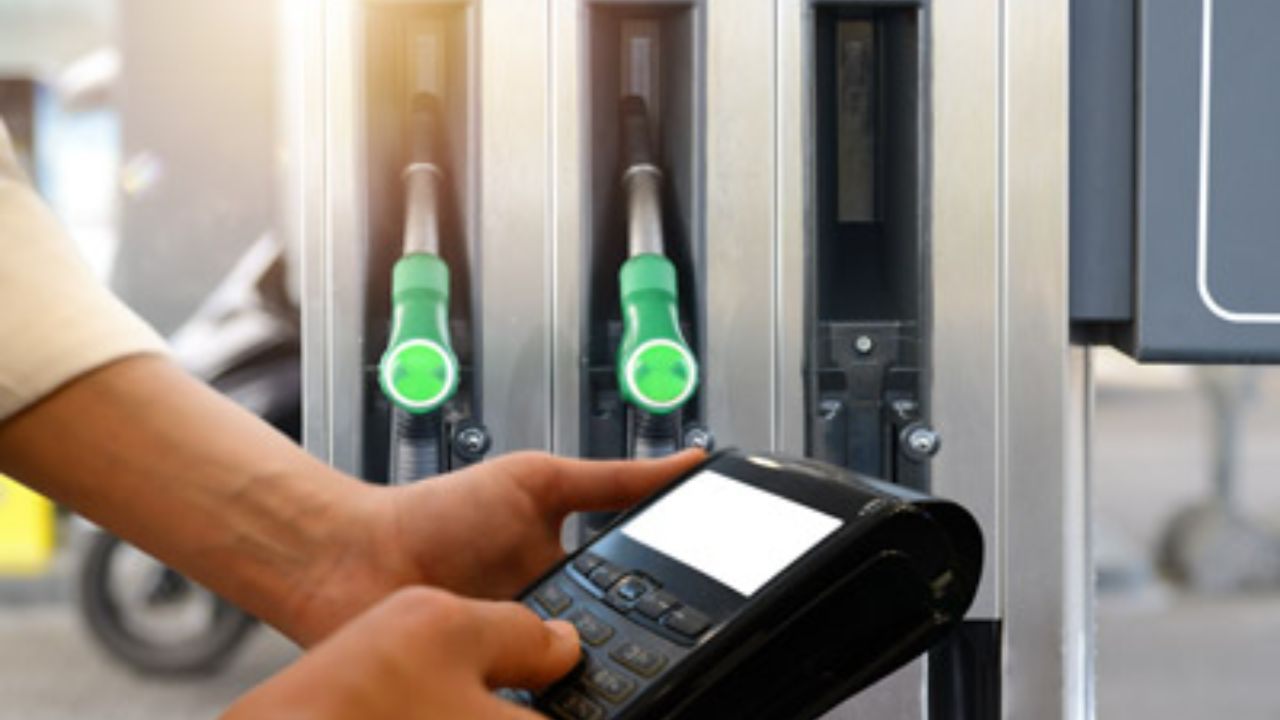
- Swipe the fleet card at the fuel pump or present inside.
- Enter your driver PIN and current odometer reading when prompted.
- Fuel limits and restrictions set by the business control how much drivers can buy during each fill-up.
Many businesses find this process helps track and allocate spending across multiple job sites or drivers.
Getting More Value From Your Fleet Card
Effective fleet card management goes beyond simply paying for fuel. Using spending controls, monitoring transactions, and reviewing driver activity can help businesses manage costs and keep fleet expenses better organized.
Review Monthly Statements Regularly
Regular statement reviews through WEX Online can reveal patterns, such as which vehicles or drivers consume more fuel.
Spotting outliers early may help prevent ongoing misuse or highlight maintenance needs.
Customize Spending Rules for Different Teams
Assign tighter limits for new drivers. Experienced road teams may need higher limits based on travel routes or city assignments.
This tailored approach keeps employee spending in check and can reduce operational surprises.
Use the Mobile App for On-the-Go Access
The WEX mobile app allows review of transactions, card activation, and real-time balance checks from the field.
Busy operations crews benefit from instant alerts and paperless receipts via the app.
Leverage Fuel Management Software Integration
Linking your fleet card with tools like Fleetio or QuickBooks can simplify expense reporting.
Industry-standard apps help consolidate fuel, maintenance, and mileage into one digital dashboard.
Common Mistakes to Avoid During Application
- Using a personal bank account instead of a business one.
- Omitting details about vehicle count or monthly mileage.
- Applying without proper documentation may delay processing.
A double-check of your paperwork before submission smooths the approval process and limits unnecessary back-and-forth.
Fleet Card Security Considerations
Fleet cards can simplify business spending, but they also require strong security controls to protect company funds. Monitoring transactions, managing driver access, and using available card safeguards can help reduce unauthorized purchases and misuse.
Protecting Cards from Loss or Theft
Adopting a driver check-in/check-out policy for cards is recommended. Promptly reporting lost cards to WEX Customer Service blocks unauthorized use.
PIN Management for Staff
Rotate PINs every quarter if possible. Avoid easily guessed numbers or repeats among team members.
WEX offers multi-level authorization options for additional peace of mind.
Conclusion
A 7-Eleven Fleet Card can help eligible businesses manage fuel expenses and driver spending more efficiently.
Clear spending policies, transaction monitoring, and digital management tools can support better cost control. Reviewing card terms and security settings regularly can help keep fleet spending organized and secure.